
Next.js Project Tips: Best Practices for Production
Master Next.js development with these expert tips. Learn to create faster, scalable, and more efficient web applications with ease.
Zoro Dev Team
Full-Stack & WordPress Engineers
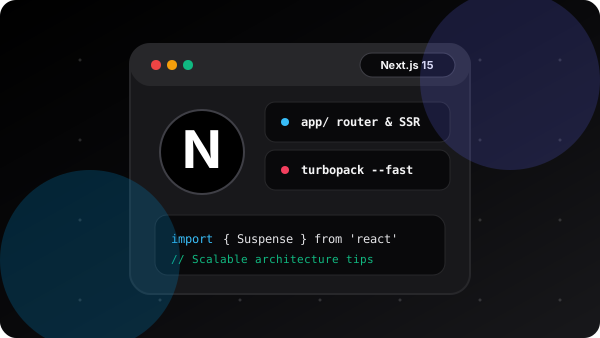
1. Master Server and Client Component Boundaries
In Next.js App Router, all components are Server Components by default. Keep interactive state (like useState, useEffect, and event handlers) in small, leaf client components marked with 'use client'.
By pushing the client boundary as deep down the component tree as possible, you keep JavaScript bundle sizes minimal and maximize initial page load speed.
// ✅ Good: Leaf component handles interactivity
"use client";

import { useState } from "react";

export function LikeButton() {
  const [likes, setLikes] = useState(0);
  return (
    <button onClick={() => setLikes(l => l + 1)} className="btn">
      ❤️ {likes} Likes
    </button>
  );
}Pro Tips & Key Takeaways
- Never put 'use client' at the top of a page.tsx unless strictly necessary.
- Fetch data directly inside Server Components without writing separate API routes.
2. Leverage next/image and Responsive Sizing
Images usually account for the largest proportion of page weight. The Next.js Image component automatically resizes, optimizes, and serves modern formats like AVIF and WebP.
Always provide explicit width and height, or use fill with a properly configured sizes attribute to prevent Layout Shifts (CLS).
<Image
  src="/images/hero.png"
  alt="Hero banner"
  width={1200}
  height={630}
  priority={true}
  sizes="(max-width: 768px) 100vw, 50vw"
/>Pro Tips & Key Takeaways
- Use priority={true} only on above-the-fold images like hero banners.
- Configure remotePatterns in next.config.ts for external image URLs.
3. Optimize Fonts with next/font
Built-in font optimization downloads Google Fonts at build time and self-hosts them alongside your static assets. This eliminates external network requests to Google servers and achieves 0 layout shifts.
Pro Tips & Key Takeaways
- Use CSS variables for variable fonts (e.g. Geist, Inter).
- Set display: 'swap' for seamless font rendering.
4. Static Export & Caching Strategy
When deploying static websites or using output: 'export', implement generateStaticParams() for all dynamic routes. This pre-renders every single page at build time for instant CDN delivery.
Conclusion
Following these Next.js best practices ensures your applications achieve high Lighthouse scores, exceptional SEO visibility, and instant page transitions for your users.
Need help with your project?
From custom Next.js web applications to blazing-fast WordPress solutions, we build results that matter.
Related Articles
WordPress Website Speed Optimization: Complete Guide
Boost your website's performance with practical tips to optimize WordPress speed. Learn essential strategies to improve loading times and enhance user experience.
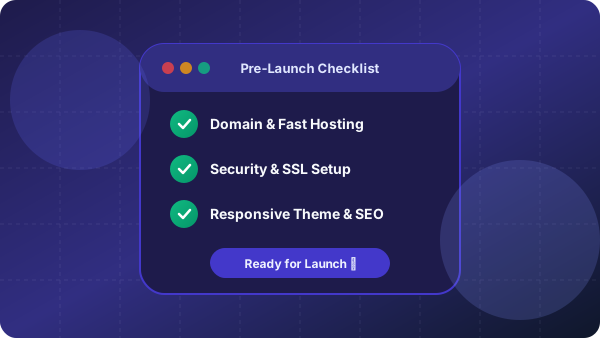
Remember These Points Before Starting a WordPress Website
A concise checklist to get your WordPress project started on the right foot with security, architecture, and performance.
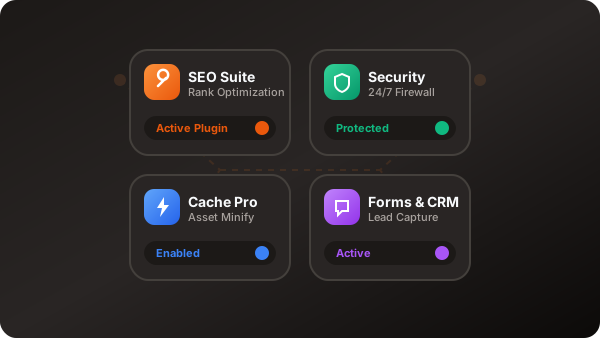
Essential Plugins for Every WordPress Website
Take your WordPress site to the next level with must-have plugins for functionality, security, and performance.